JeeviTours & Transfer Booking System
Jeevi Support & Learning

Find answers, learn features and see how Jeevi works.

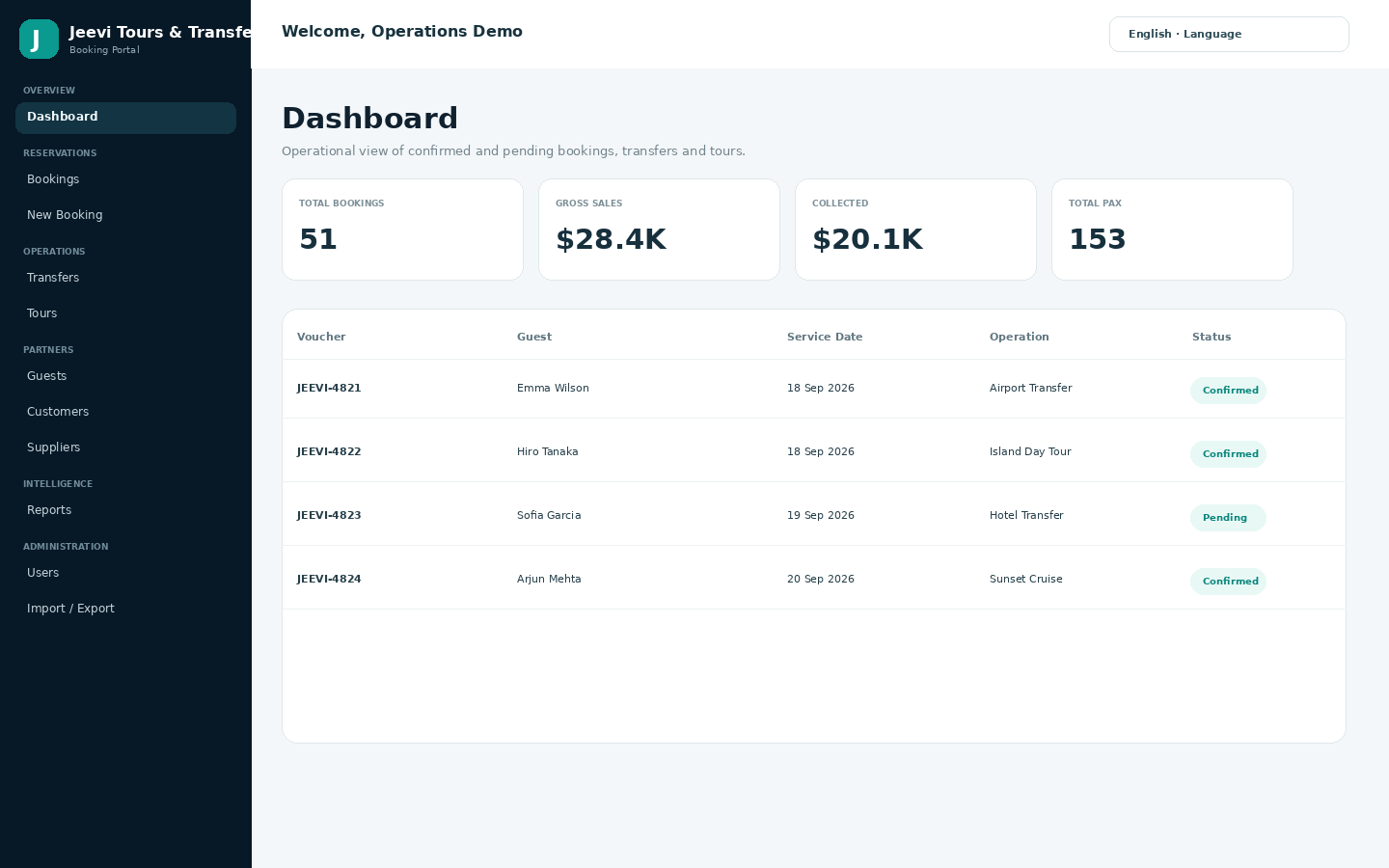
Search the Jeevi knowledge base, browse FAQs, read feature guides, follow screenshot-led walkthroughs and open the complete handbook. Content can be expanded and customized for each client implementation.

Created by DAIM Hub Fiji · Developed by Sarneet Sahvil Kumar

Download complete PDF handbook
Knowledge Base

Support content

Browse the selected Jeevi support content.

Clear filters
FAQSeptember 16, 2026

Can our existing business data be onboarded?

Yes. Data onboarding can be scoped for customers, suppliers, products, services, users and approved booking history. Source data is reviewed and mapped before import so the final structure matches the...

View
Feature BlogsSeptember 16, 2026

Feature Guide: Demo and Data Onboarding Readiness

Fresh commercial installations use fictional demo data so buyers can evaluate the workflow safely. During implementation, approved customer, supplier, service, booking and user data can be prepared and onboarded through...

View
FAQSeptember 16, 2026

Is the bundled demo data real customer data?

No. The commercial package ships with fictional demonstration companies, customers, suppliers, guests, services, products and bookings. Demo bookings cover approximately 100 days before and 100 days after installation.

View
ArticlesSeptember 16, 2026

Import, Export and Approval Workflows

Jeevi includes data tools for structured import, export and backup workflows. Portal Super Admin bulk import/export requests are designed to go through Master Admin review and approval before...

View
Feature BlogsSeptember 16, 2026

Feature Guide: Demo and Migration Readiness

Fresh commercial installations use fictional demo data so buyers can evaluate the workflow without exposing a previous operator’s production information. Legacy migration tools remain available for controlled transition...

View
Jeevi Handbook

Complete product documentation in one printable guide.

The handbook covers setup, roles, bookings, services, operations, partner records, reports, multilingual use, data tools, vouchers, invoices, communication, customization and support workflows. It contains no passwords or private administrator credentials.

Download complete PDF handbook