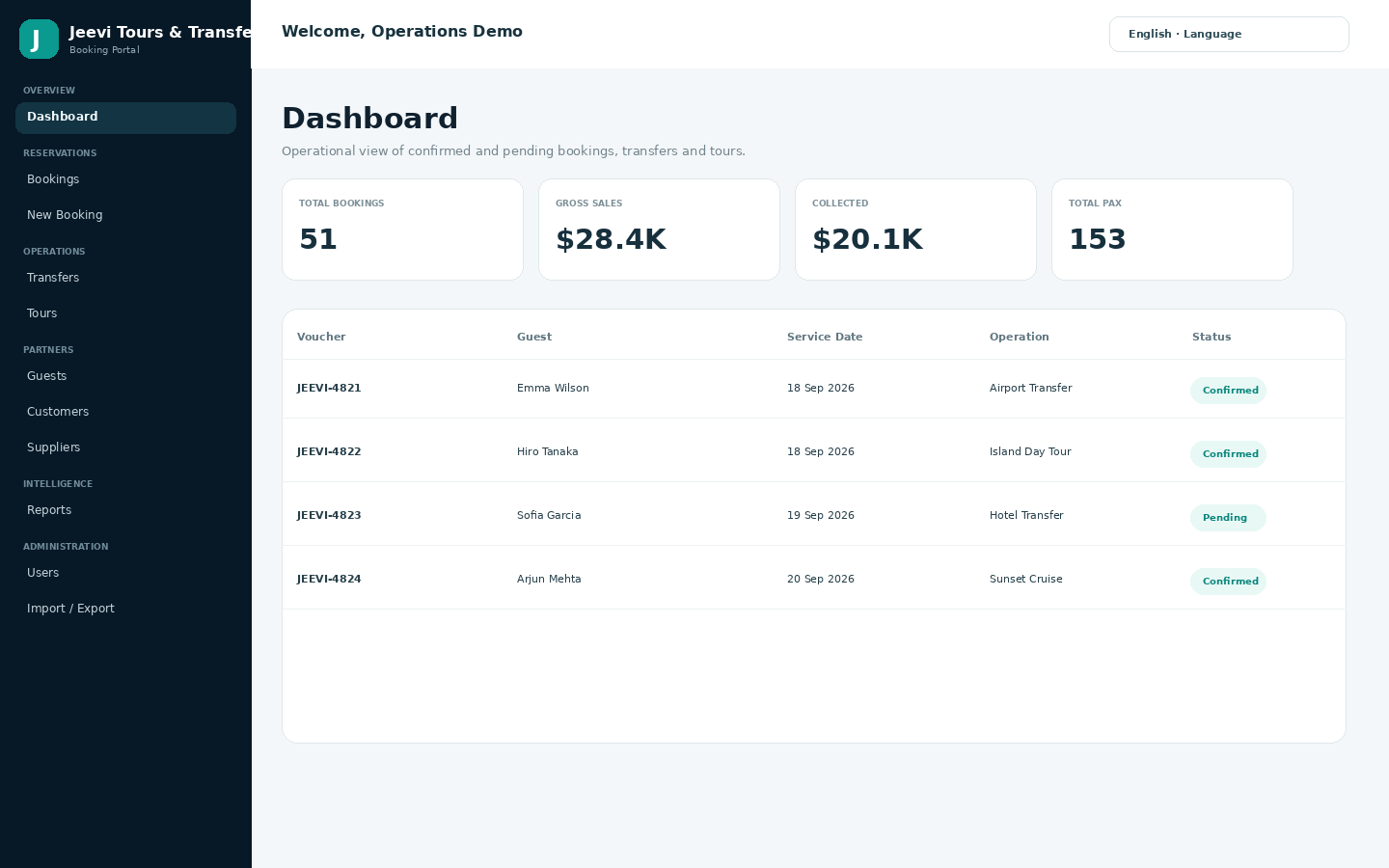
DashboardOperations dashboard - booking KPIs, upcoming services and daily visibility.
Search the Jeevi knowledge base, browse FAQs, read feature guides, follow screenshot-led walkthroughs and open the complete handbook. Content can be expanded and customized for each client implementation.
Created by DAIM Hub Fiji · Developed by Sarneet Sahvil Kumar
Open a guide to see the relevant Jeevi workspace and the steps around it.
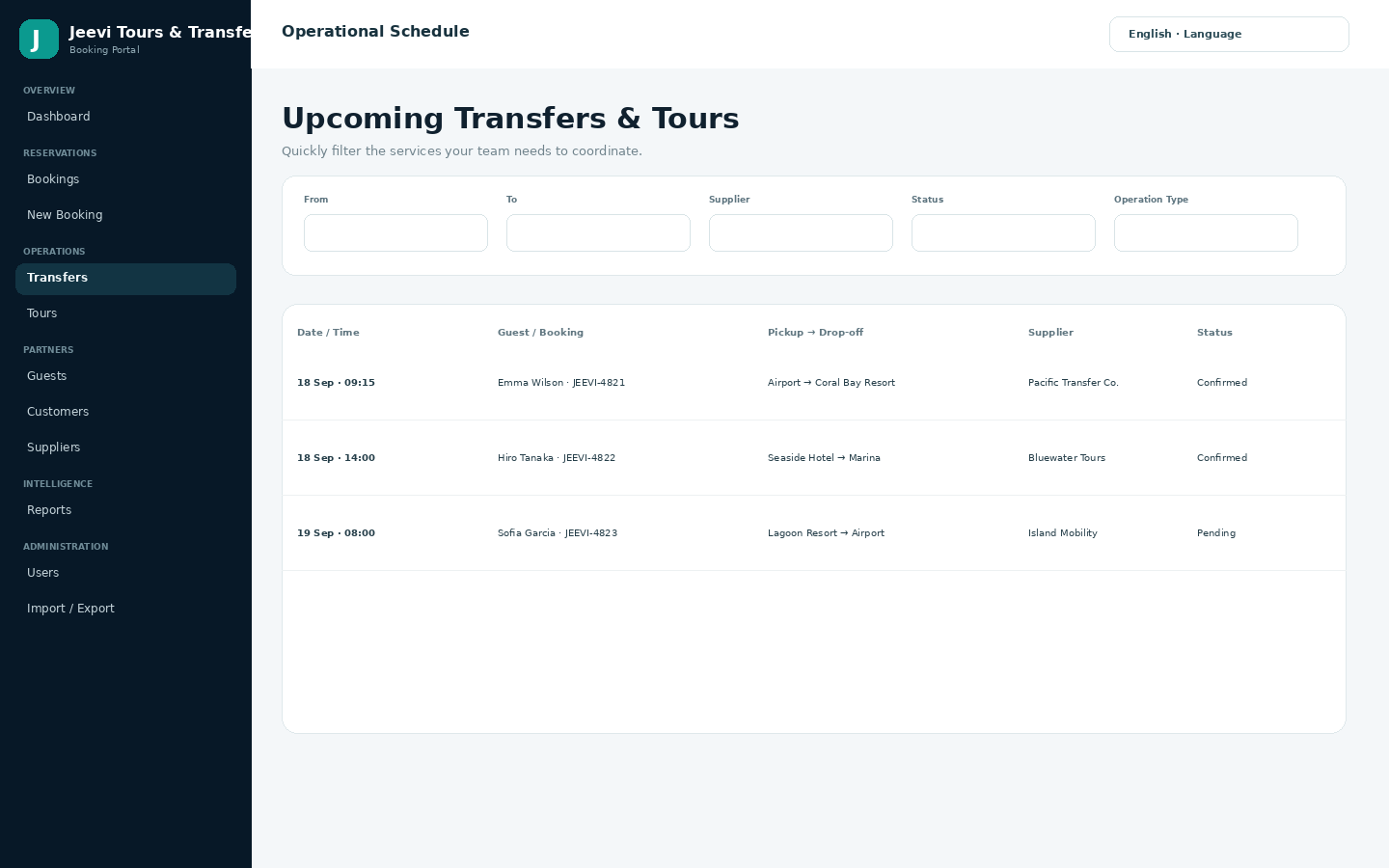
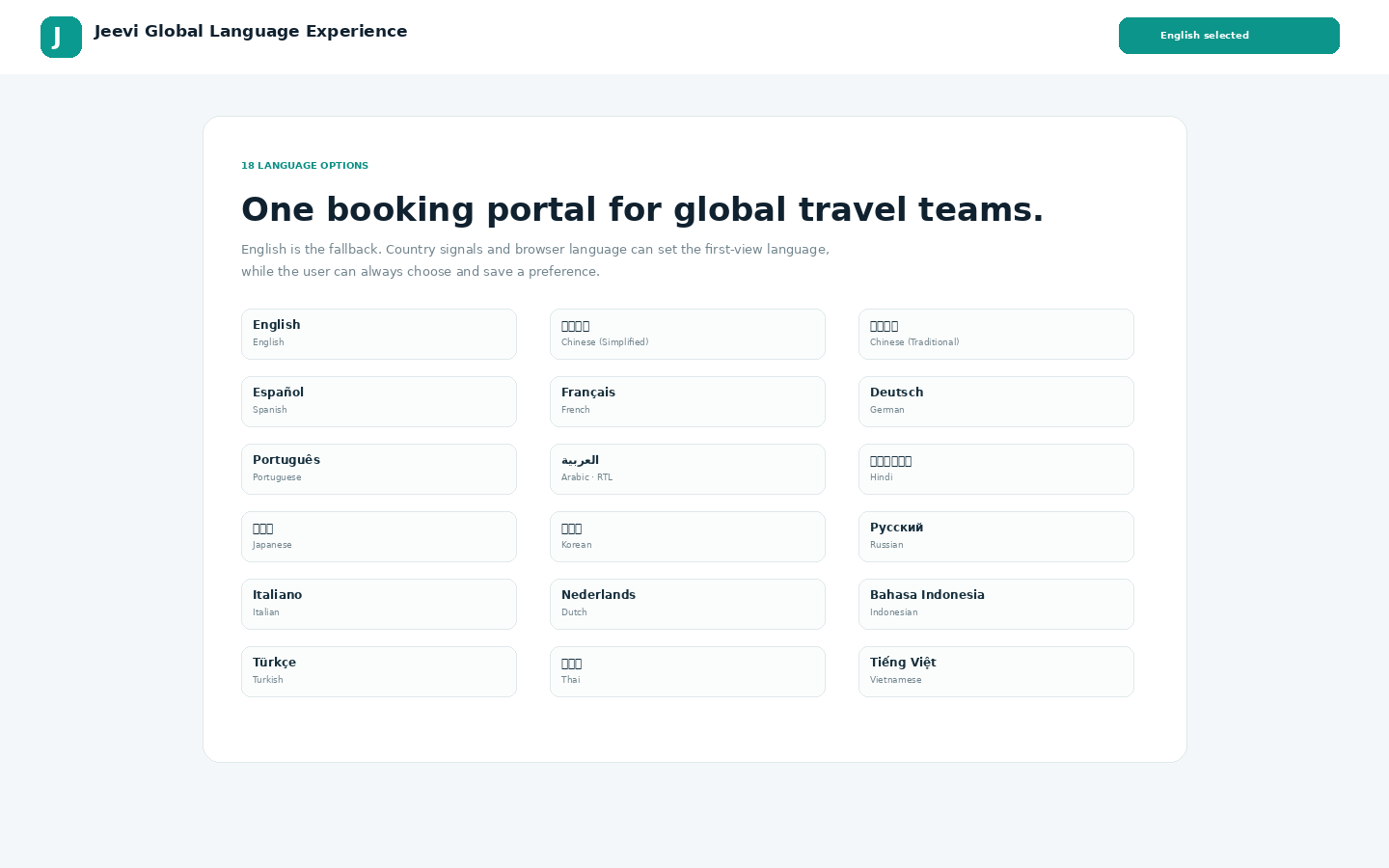
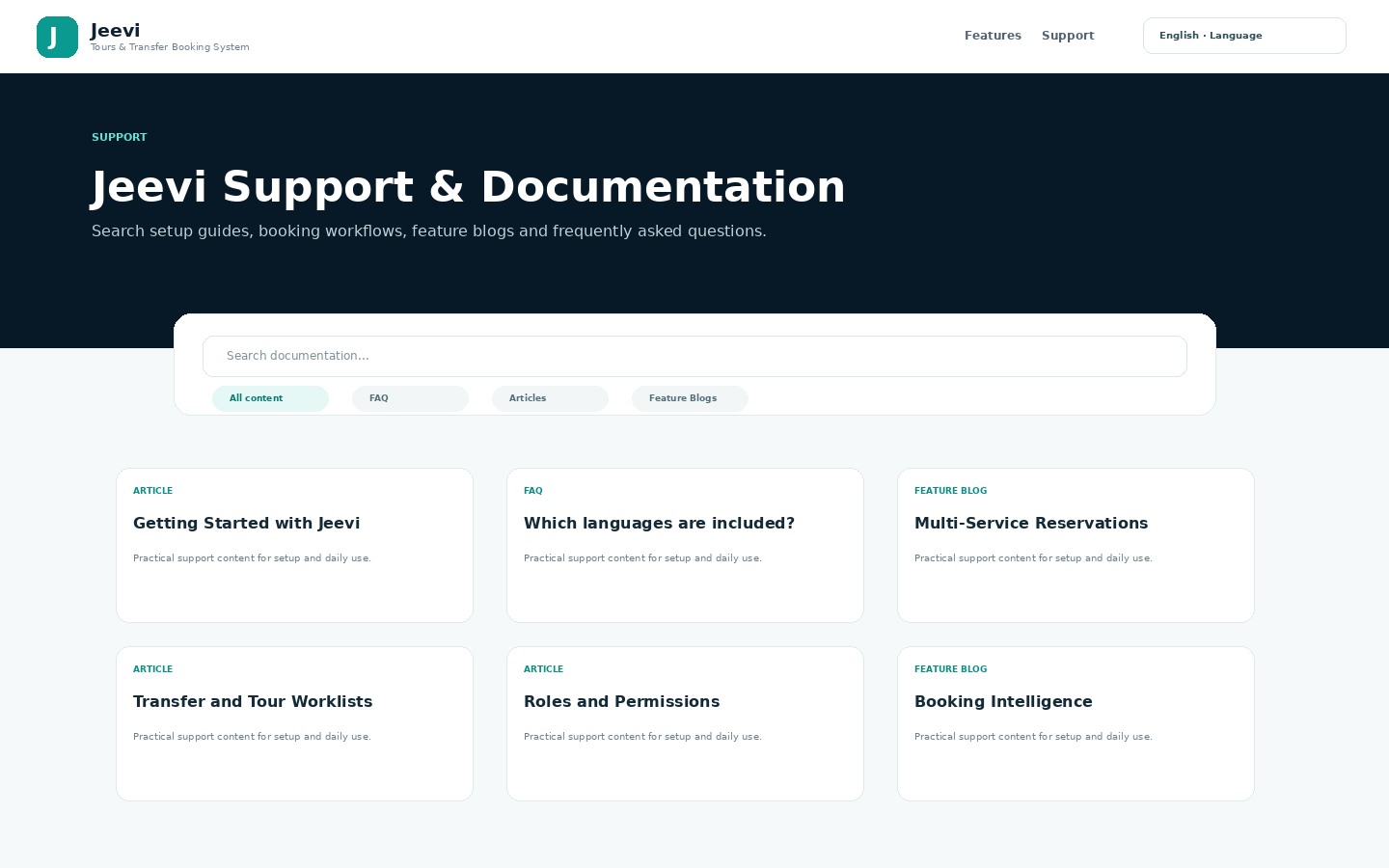
Jeevi Tours and Transfer Booking System is created by DAIM Hub Fiji. The system developer is Sarneet Sahvil Kumar. Jeevi is offered as a customizable core framework that can be studied, amended and extended around each client business.
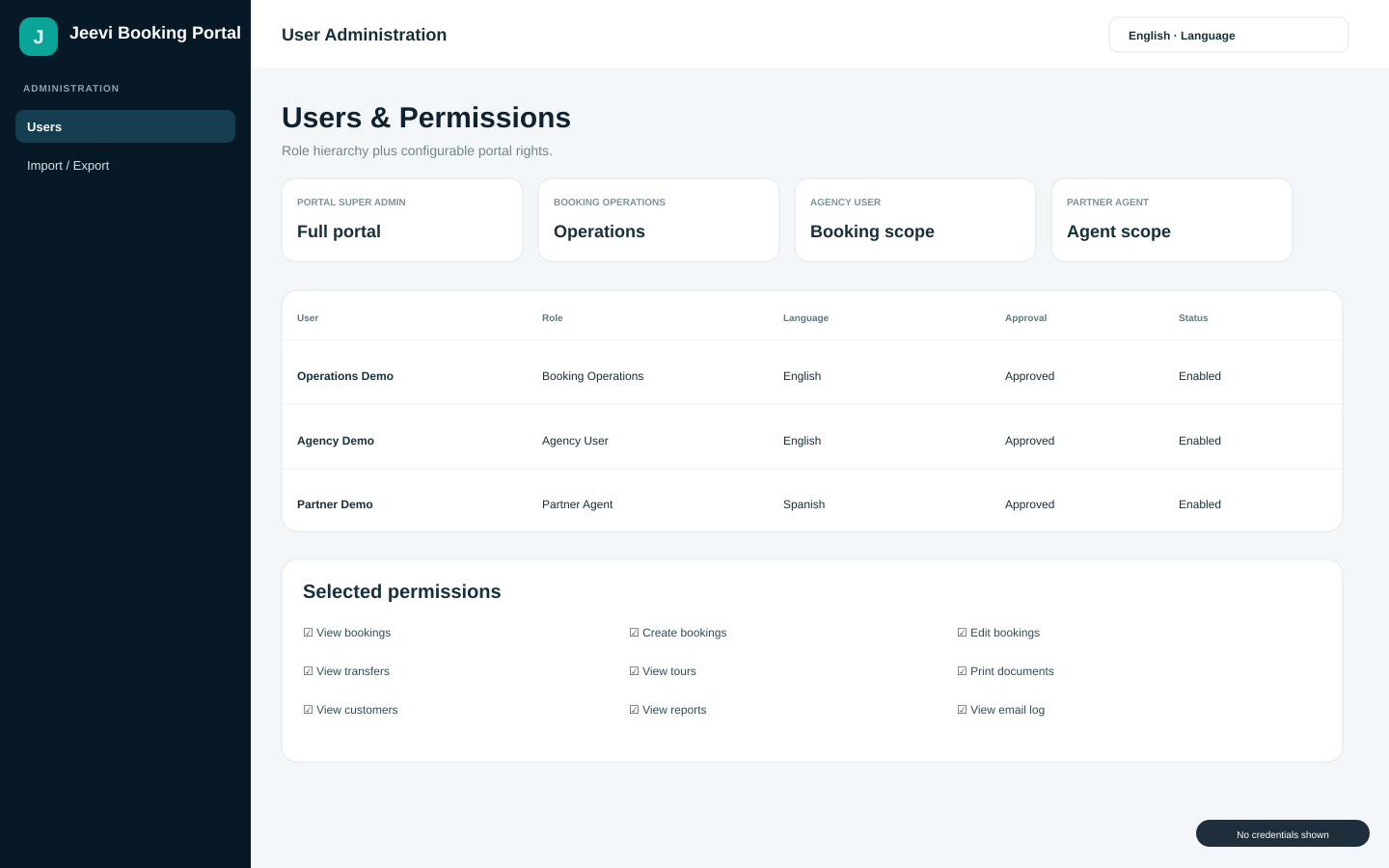
Yes. Portal identities remain focused on operational booking work while protected administration is reserved for authorized platform control.
Yes. Jeevi is sold as a core framework. We study the business workflow and then configure or develop the booking process, fields, statuses, branding, documents, roles, reports, currencies, notifications and approved integrations to suit the business requirements.
Yes. Payment handling is scoped to the business model. Implementations can support agreed combinations of deposits, full or partial payments, pay-later workflows, bank-transfer confirmation, payment links, manual payment status and suitable online payment integrations.
Yes. Labels, service names, booking fields, vouchers, invoices, confirmations, email wording and operational documents can be adjusted during implementation to match the client business.
Yes. Data onboarding can be scoped for customers, suppliers, products, services, users and approved booking history. Source data is reviewed and mapped before import so the final structure matches the agreed Jeevi implementation.
No. The commercial package ships with fictional demonstration companies, customers, suppliers, guests, services, products and bookings. Demo bookings cover approximately 100 days before and 100 days after installation.
Yes. Authorized users can generate booking details, vouchers and invoices from reservation data and print or save them as PDF using the browser print workflow.
The reporting area can summarize booking volume, gross sales, collected and outstanding amounts, passenger counts, suppliers, service mix, customers, agents and upcoming operations, subject to the user permission set.
Portal-only identities are kept in the front-end booking portal. WordPress administration remains separated from normal operational and agency accounts.
Jeevi is designed for travel agencies, destination management companies (DMCs), tour operators, airport-transfer businesses and destination-service teams that coordinate reservations, guests, agents, suppliers, tours and transfers.
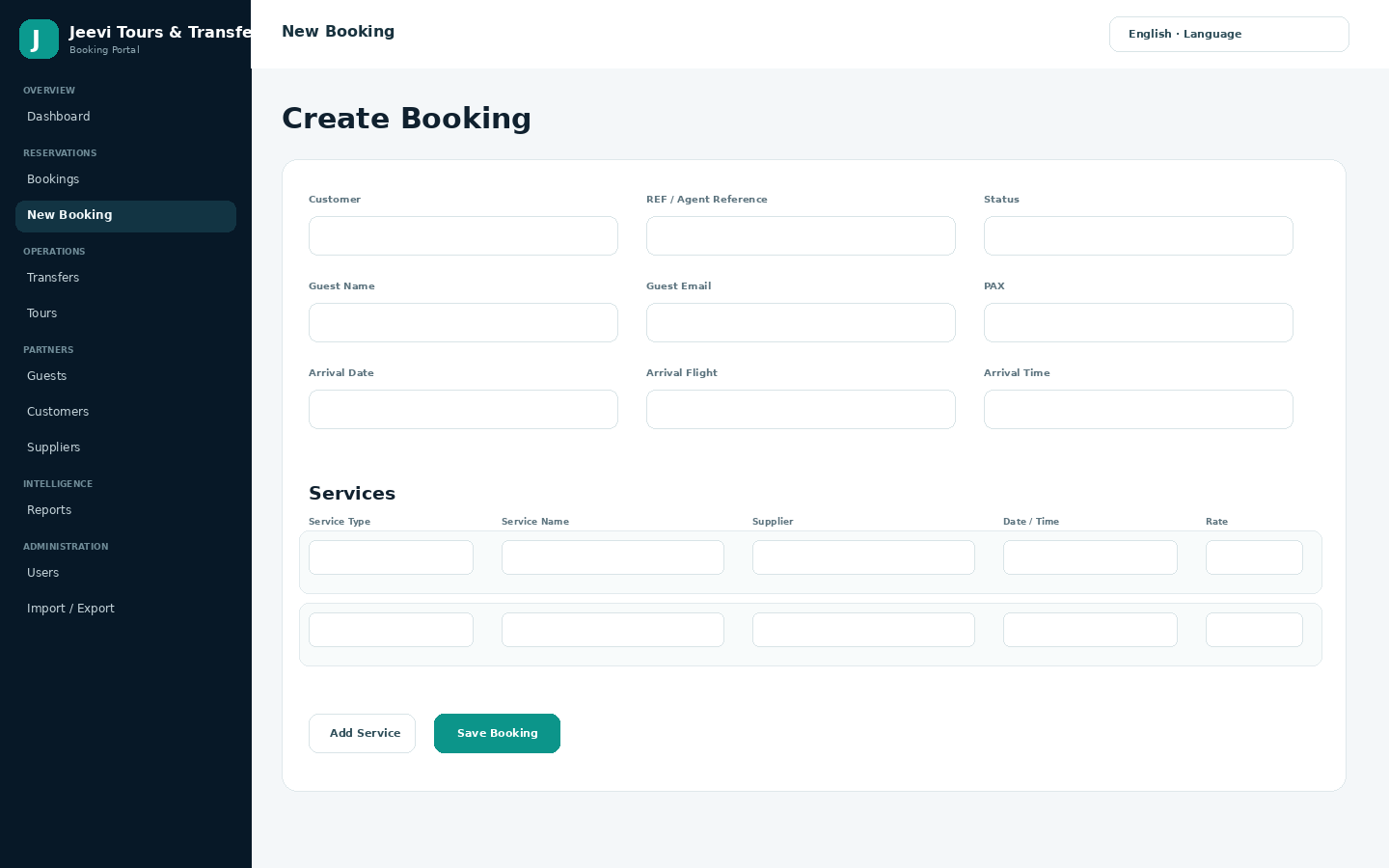
Yes. A single reservation can contain multiple service lines, including transfers, tours and other service types. Each service can have its own date, time, supplier, pickup, drop-off, quantity, rate and operational notes.
Practical feature articles explain how the framework supports bookings, operations, reporting, security, languages and customization.
Jeevi Tours and Transfer Booking System is created by DAIM Hub Fiji and developed by Sarneet Sahvil Kumar.Jeevi is the booking-system core framework within the DAIM Hub Fiji digital and...
ViewThe Support and Learning Center combines searchable FAQs, feature articles, visual guides, troubleshooting content and the full PDF handbook in one public knowledge area.
ViewFresh commercial installations use fictional demo data so buyers can evaluate the workflow safely. During implementation, approved customer, supplier, service, booking and user data can be prepared and onboarded through...
ViewPayment design is scoped during implementation. The framework can be adapted for deposits, full or partial payment, outstanding balances, pay-later arrangements, bank-transfer confirmation, payment links, manual payment recording and suitable...
ViewJeevi is the core framework, not a rigid one-size-fits-all workflow. We study the client business and tailor branding, fields, statuses, documents, access, payment logic, reports and approved integrations around the...
ViewA Jeevi booking is more than one transfer or one tour. It is a reservation container that can hold multiple service lines. This makes it possible to coordinate...
ViewUse these guides for setup, daily booking work, operations, users, reporting, payments and business-fit customization.
Authorized users can generate operational and customer-facing outputs directly from reservation data.Voucher: service information for fulfillment and confirmation.Invoice: booking financial information for the customer or agent.Communication: booking-related messages can be...
ViewJeevi starts as a core frameworkThe implementation begins by studying how the business receives enquiries, creates reservations, confirms services, works with suppliers, collects payments, operates transfers and tours, communicates with...
ViewPayment design is scoped during implementation because every business has different sales channels, currencies, deposit rules and reconciliation needs.Examples of payment workflowsDeposit at confirmation and balance before service.Full payment at...
ViewCustomization begins with discovery, not with changing screens at random. We review how the business currently sells, books, confirms, operates, pays suppliers, collects customer payments, communicates and reports.Discovery areasProducts, services...
ViewStart with the operating structureBefore entering live bookings, configure your companies, customers, suppliers and service types. Then confirm user roles and permissions so each person sees only the...
ViewCreate the reservationOpen New Booking and enter the customer, agent reference, guest details, passenger count, arrival/departure information, status, currency and notes.Add servicesAdd one or more service lines. Each...
ViewThe handbook covers setup, roles, bookings, services, operations, partner records, reports, multilingual use, data tools, vouchers, invoices, communication, customization and support workflows. It contains no passwords or private administrator credentials.