JeeviTours & Transfer Booking System
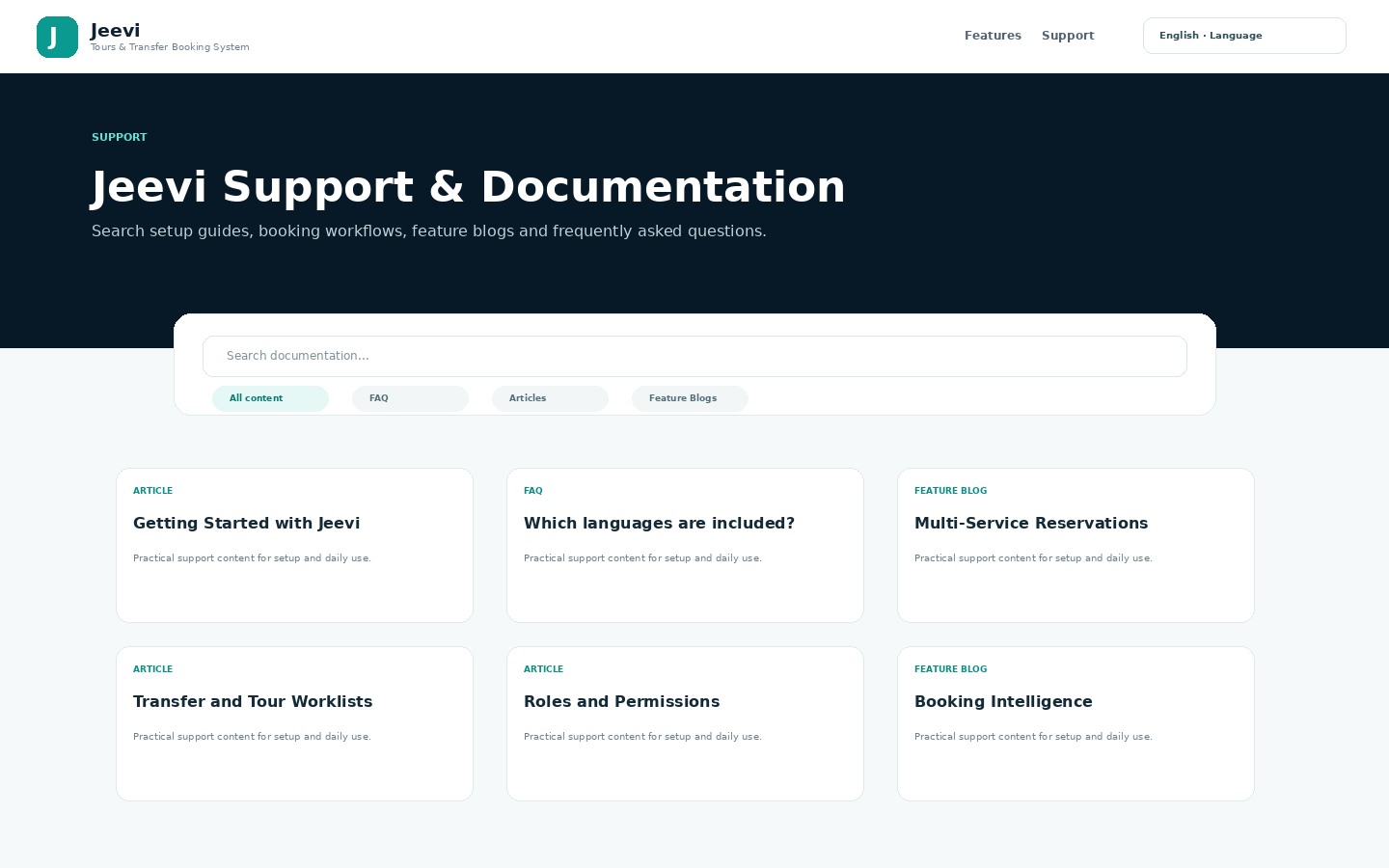
Jeevi Support & Learning

Find answers, learn features and see how Jeevi works.

Search the Jeevi knowledge base, browse FAQs, read feature guides, follow screenshot-led walkthroughs and open the complete handbook. Content can be expanded and customized for each client implementation.

Created by DAIM Hub Fiji · Developed by Sarneet Sahvil Kumar

Volledig PDF-handboek downloaden
Knowledge Base

Support content

Browse the selected Jeevi support content.

Clear filters
ArtikelenSeptember 16, 2026

Vouchers, Invoices and Booking Communication

Authorized users can generate operational and customer-facing outputs directly from reservation data.Voucher: service information for fulfillment and confirmation.Invoice: booking financial information for the customer or agent.Communication: booking-related messages can be...

View
ArtikelenSeptember 16, 2026

How a Jeevi Implementation Is Customized

Jeevi starts as a core frameworkThe implementation begins by studying how the business receives enquiries, creates reservations, confirms services, works with suppliers, collects payments, operates transfers and tours, communicates with...

View
ArtikelenSeptember 16, 2026

Planning Custom Payment Options

Payment design is scoped during implementation because every business has different sales channels, currencies, deposit rules and reconciliation needs.Examples of payment workflowsDeposit at confirmation and balance before service.Full payment at...

View
ArtikelenSeptember 16, 2026

Business Discovery Before Customization

Customization begins with discovery, not with changing screens at random. We review how the business currently sells, books, confirms, operates, pays suppliers, collects customer payments, communicates and reports.Discovery areasProducts, services...

View
ArtikelenSeptember 16, 2026

Import, Export and Approval Workflows

Jeevi includes data tools for structured import, export and backup workflows. Portal Super Admin bulk import/export requests are designed to go through Master Admin review and approval before...

View
ArtikelenSeptember 16, 2026

Reading the Jeevi Dashboard and Reports

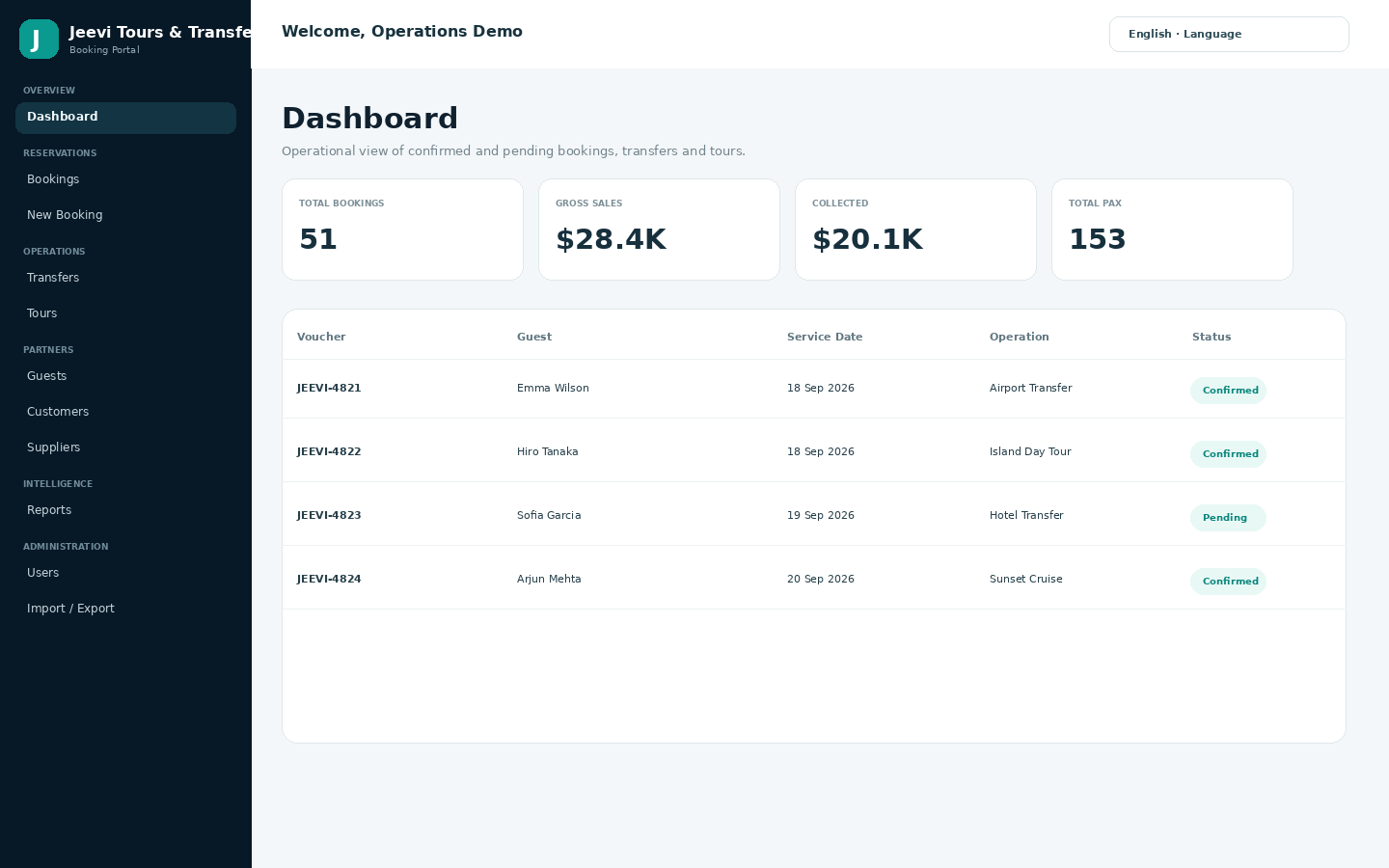
The dashboard gives a fast view of active booking operations. Reporting extends this with filters and summaries across bookings, customers, suppliers, services, agents and financial values.Use date filters...

View
ArtikelenSeptember 16, 2026

Vouchers, Invoices and Booking Emails

Authorized users can generate operational and customer-facing outputs directly from reservation data.Voucher: service information for fulfillment and confirmation.Invoice: booking financial information for the customer or agent.Email: booking-related communication...

View
ArtikelenSeptember 16, 2026

Getting Started with Jeevi

Start with the operating structureBefore entering live bookings, configure your companies, customers, suppliers and service types. Then confirm user roles and permissions so each person sees only the...

View
ArtikelenSeptember 16, 2026

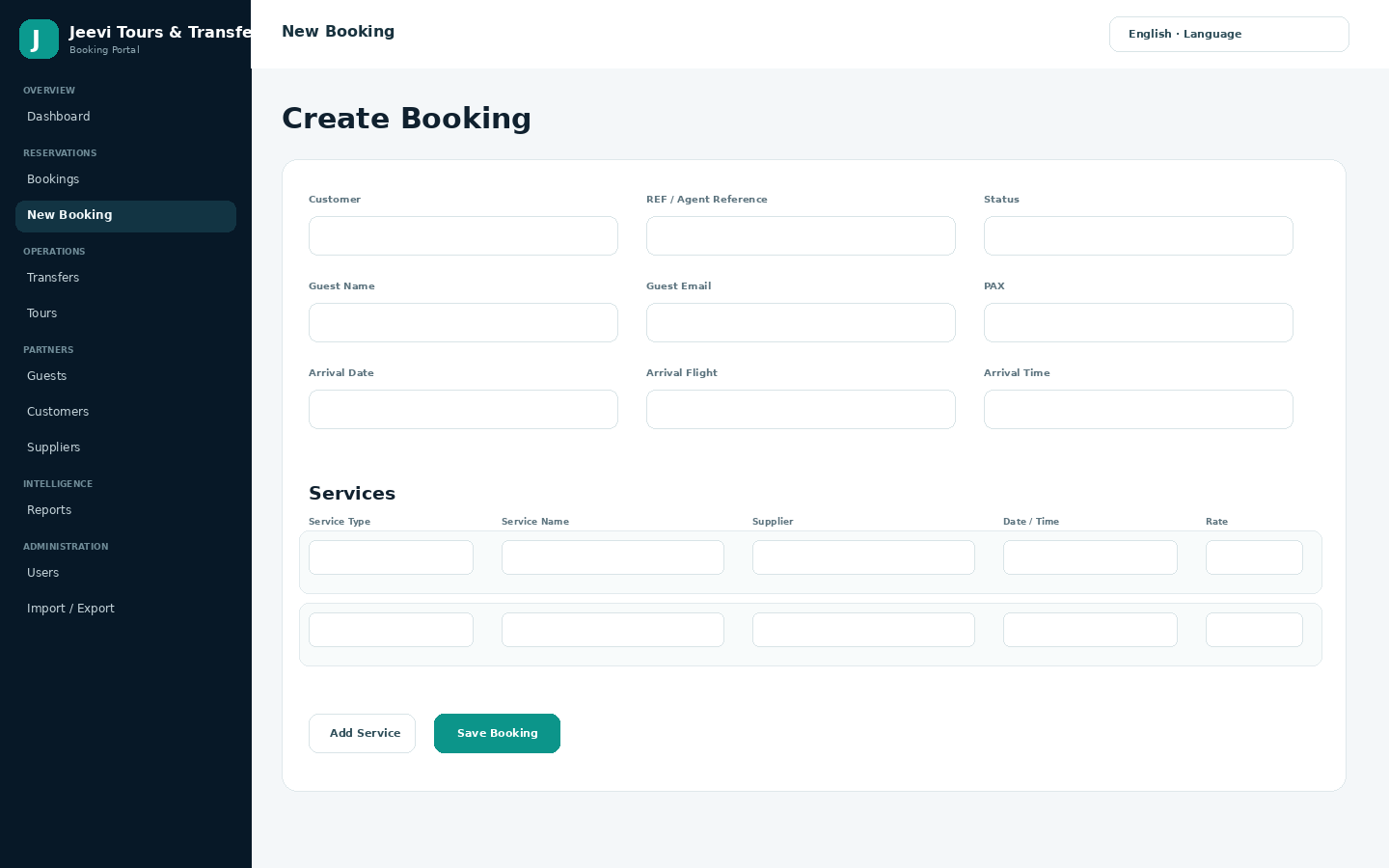
Creating and Managing a Booking

Create the reservationOpen New Booking and enter the customer, agent reference, guest details, passenger count, arrival/departure information, status, currency and notes.Add servicesAdd one or more service lines. Each...

View
ArtikelenSeptember 16, 2026

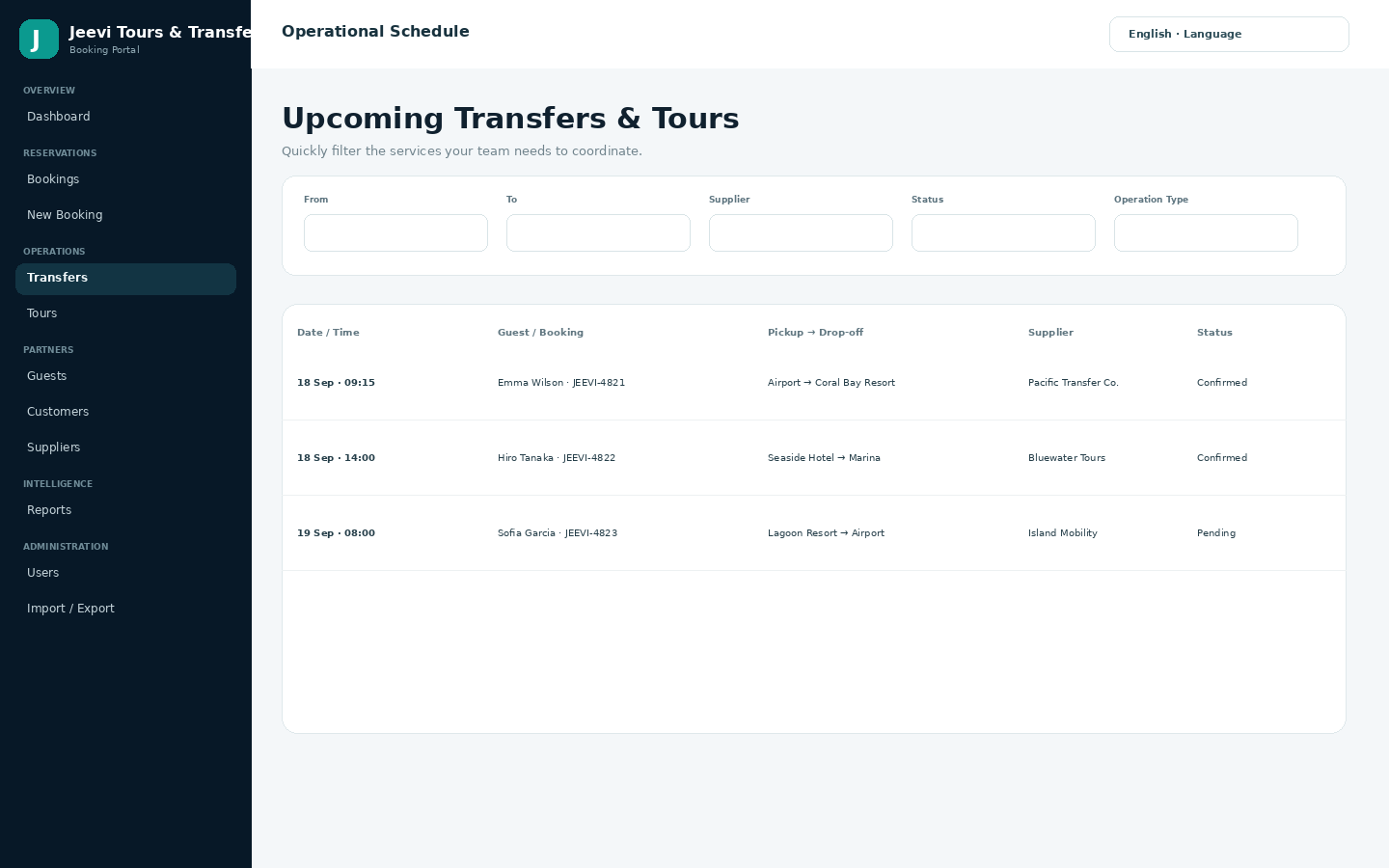
Using Transfer and Tour Worklists

Operational worklistsThe Transfers and Tours sections turn booking services into day-to-day worklists. Teams can filter the information they need for upcoming services without opening every reservation individually.Recommended daily...

View
ArtikelenSeptember 16, 2026

Managing Customers, Companies and Suppliers

Jeevi separates customers, companies and suppliers so commercial relationships can be managed without mixing them into booking records.CustomersUse customers for the client or agency account associated with a...

View
ArtikelenSeptember 16, 2026

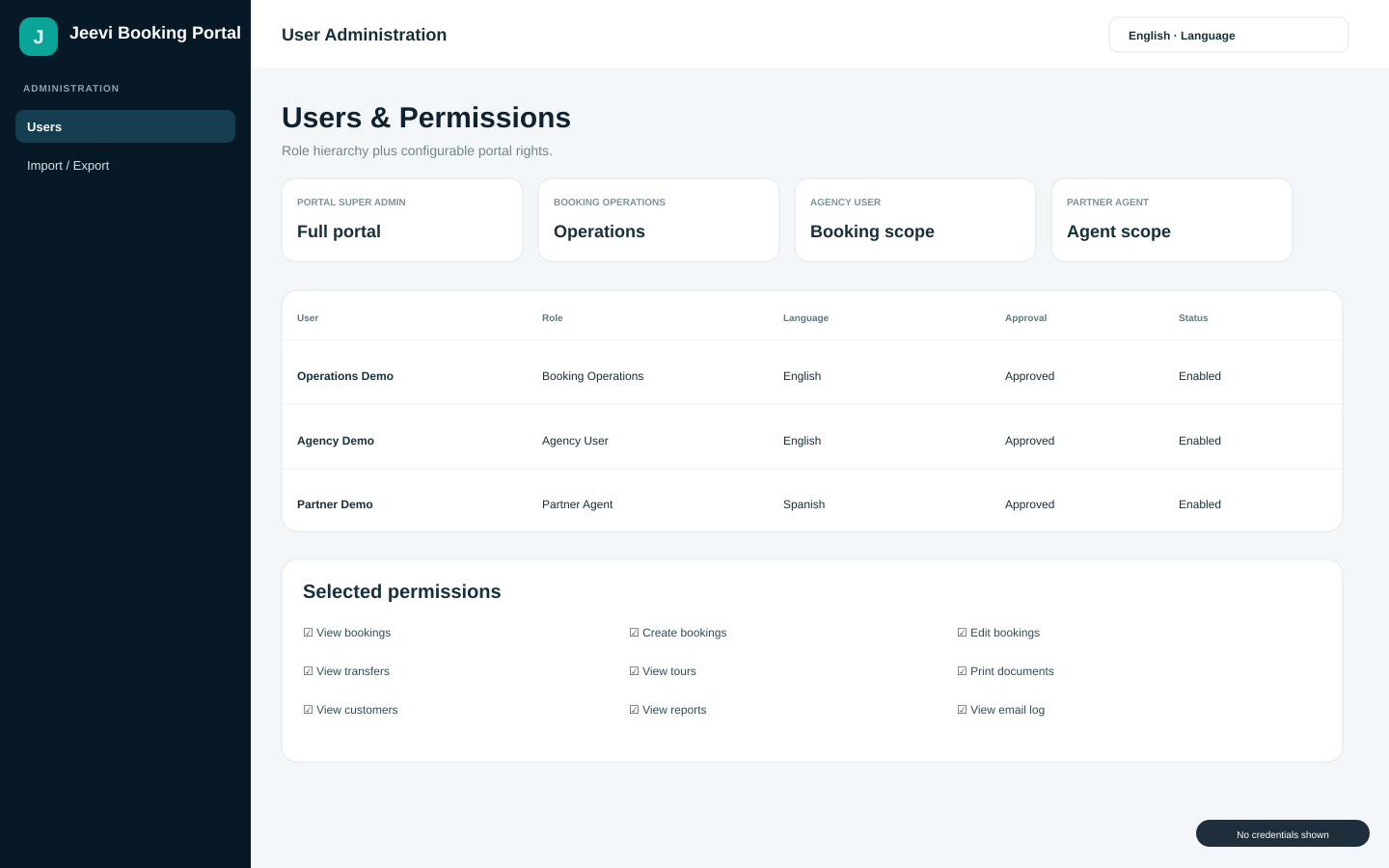
Understanding Roles and Permissions

Jeevi combines a fixed role hierarchy with configurable portal rights. Higher-level administration can govern user access while operational users remain focused on booking work.Portal rightsRights can control viewing,...

View
ArtikelenSeptember 16, 2026

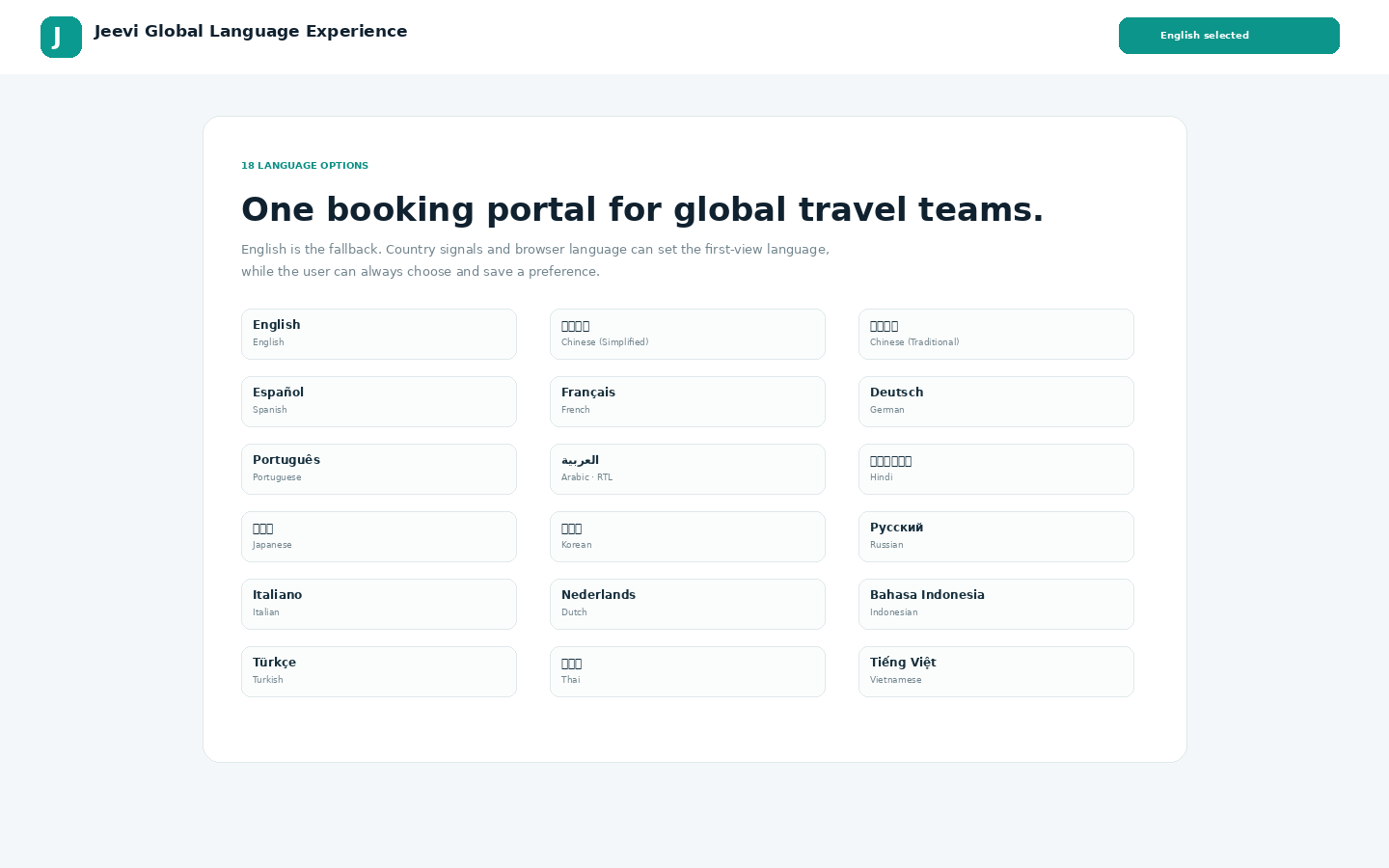
Using Jeevi in Multiple Languages

Jeevi includes 18 language choices with English as the safe fallback. The visitor can choose a language from the public website, login page or portal, and the preference...

View
Jeevi Handbook

Complete product documentation in one printable guide.

The handbook covers setup, roles, bookings, services, operations, partner records, reports, multilingual use, data tools, vouchers, invoices, communication, customization and support workflows. It contains no passwords or private administrator credentials.

Volledig PDF-handboek downloaden